

Перейти к содержимому
View in the app

A better way to browse. Learn more.

Zloplay community

A full-screen app on your home screen with push notifications, badges and more.

To install this app on iOS and iPadOS
  1. Tap the Share icon in Safari
  2. Scroll the menu and tap Add to Home Screen.
  3. Tap Add in the top-right corner.
To install this app on Android
  1. Tap the 3-dot menu (⋮) in the top-right corner of the browser.
  2. Tap Add to Home screen or Install app.
  3. Confirm by tapping Install.

Error while trying to host private match

Опубликовано:

Hello every time, when I try to host private match I do receive an error like this :66734c4aa8d1f75e5c1a370cea3c3bcb.png
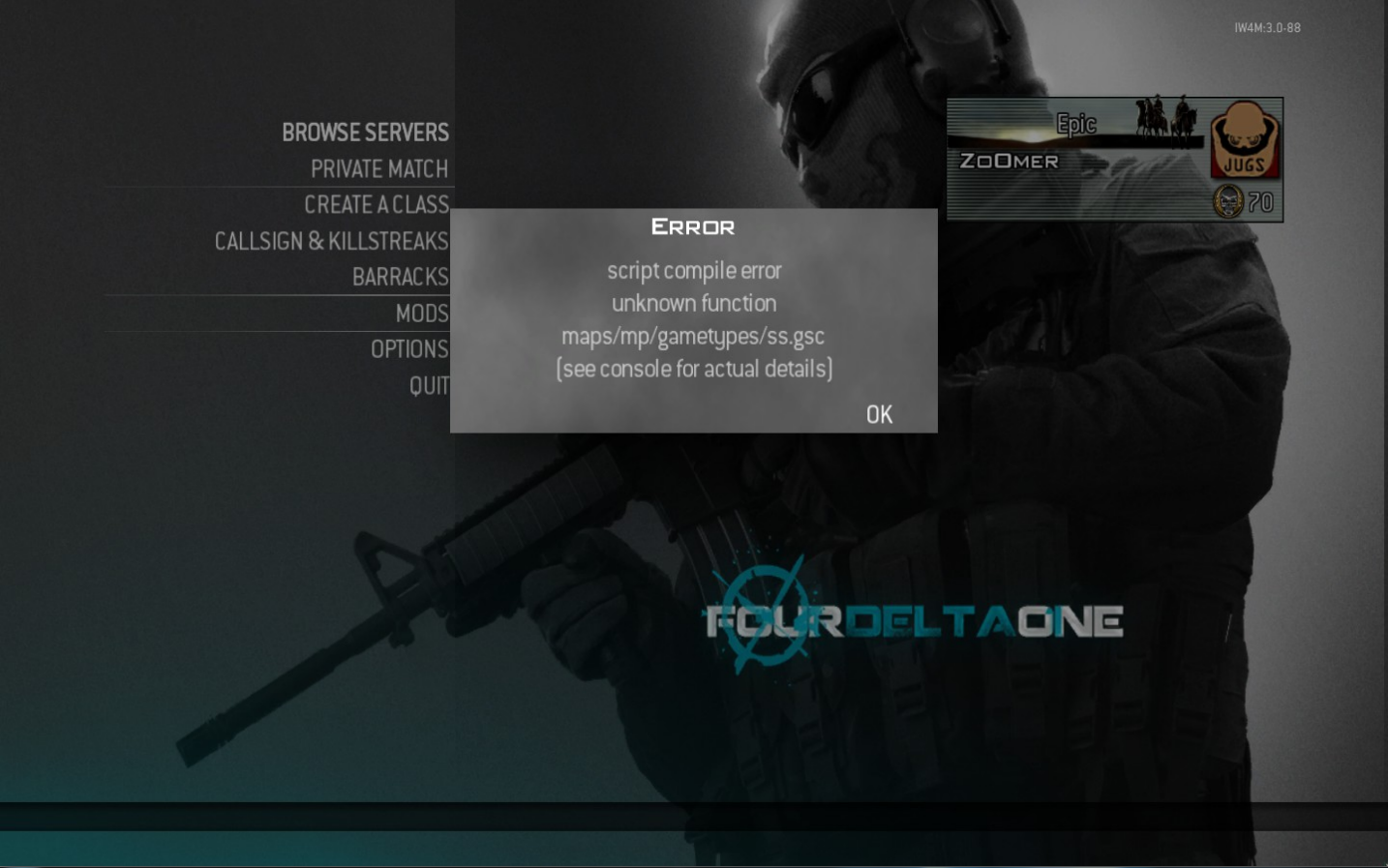
The image says : script compile errpr unknown function maps/mp/gametypes/ss.gsc (see sonsole for actual details).

No, I haven't edited anything i used SVN update and copied raw files. Any ideas?

Featured Replies

Опубликовано:

delete the raw folder and extract raw_82.zip as instructed.


If the problem still persists, copy paste the content of the ss.gsc in here.

Гость
Эта тема закрыта для публикации сообщений.

Сейчас на странице 0

  • Нет пользователей, просматривающих эту страницу

Важная информация

Используя этот сайт, вы соглашаетесь Условия использования.

Account

Navigation

Поиск

Поиск

Configure browser push notifications

Chrome (Android)
  1. Tap the lock icon next to the address bar.
  2. Tap Permissions → Notifications.
  3. Adjust your preference.
Chrome (Desktop)
  1. Click the padlock icon in the address bar.
  2. Select Site settings.
  3. Find Notifications and adjust your preference.
